In an effort to be a good “net-citizen”, I decided to configure my domains with DMARC record. It was great, because within 24hrs, I started to receive reports from Google/Gmail with DKIM and SPF related information for my domains. Now I needed to figure out how to actually process these XML reports into something useful and readable.
John Levine has provided some scripts for parsing the DMARC reports and pushing the information into a database. At that point, he leaves it as an exercise to the user to build a report on the database data.
I’ve made an attempt at a VERY basic web page report, which pulls from the parsed reports in the database.
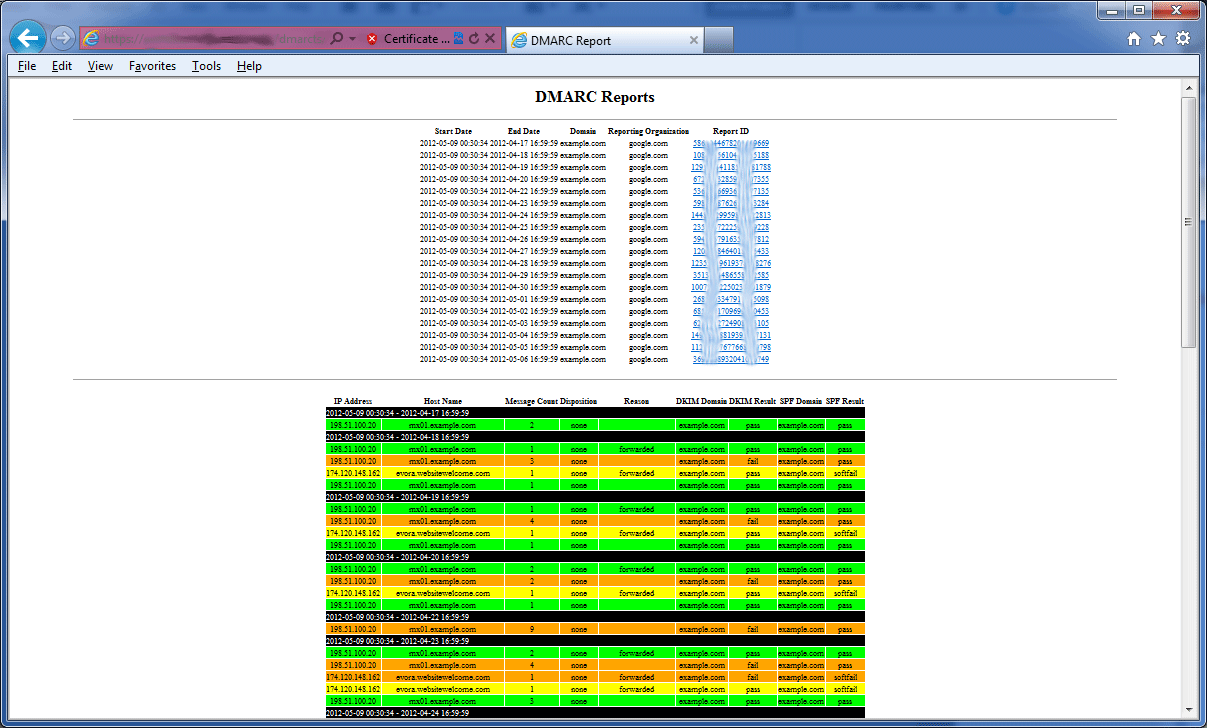
Original Version:
Current Version (much less basic) :
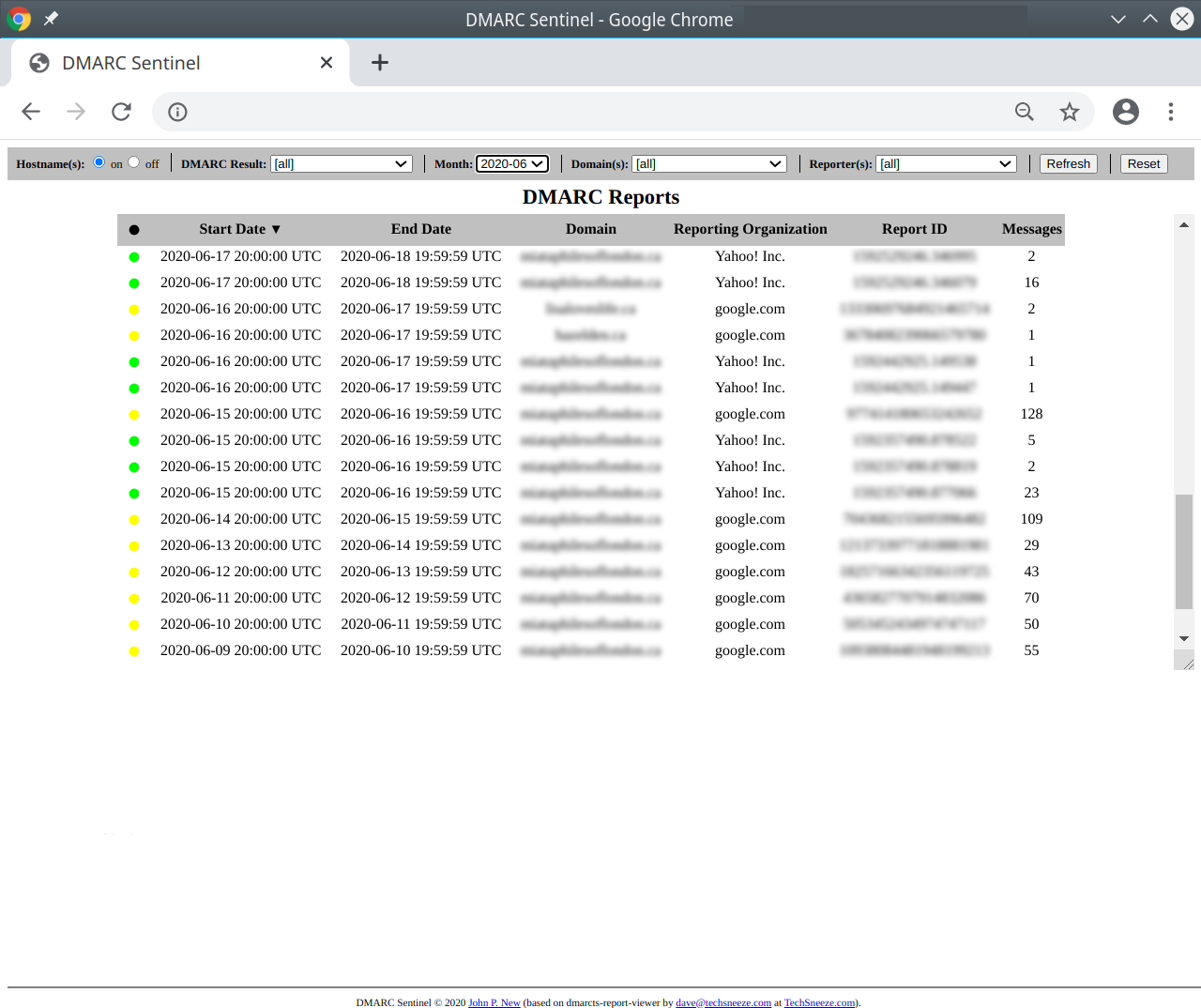
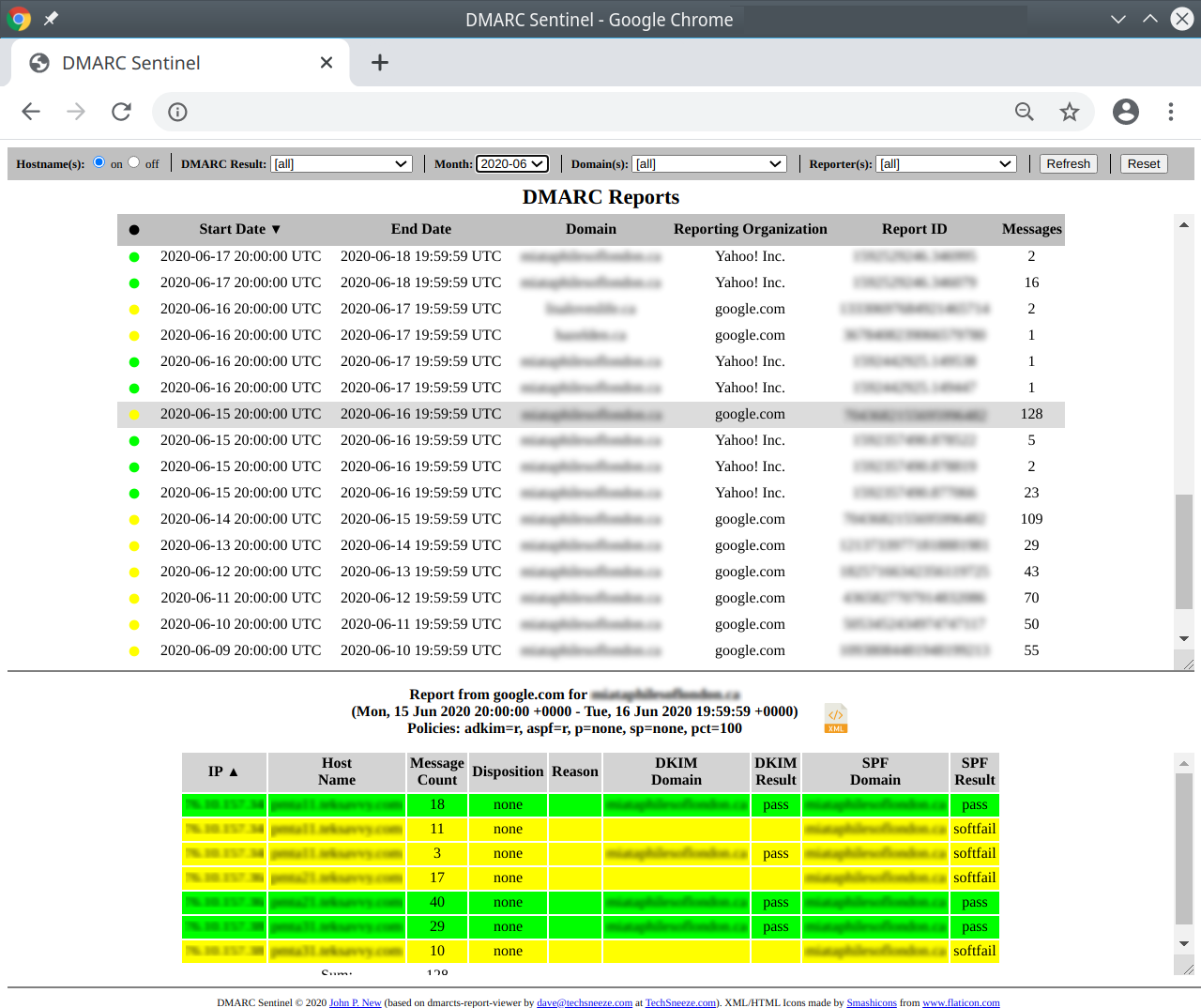
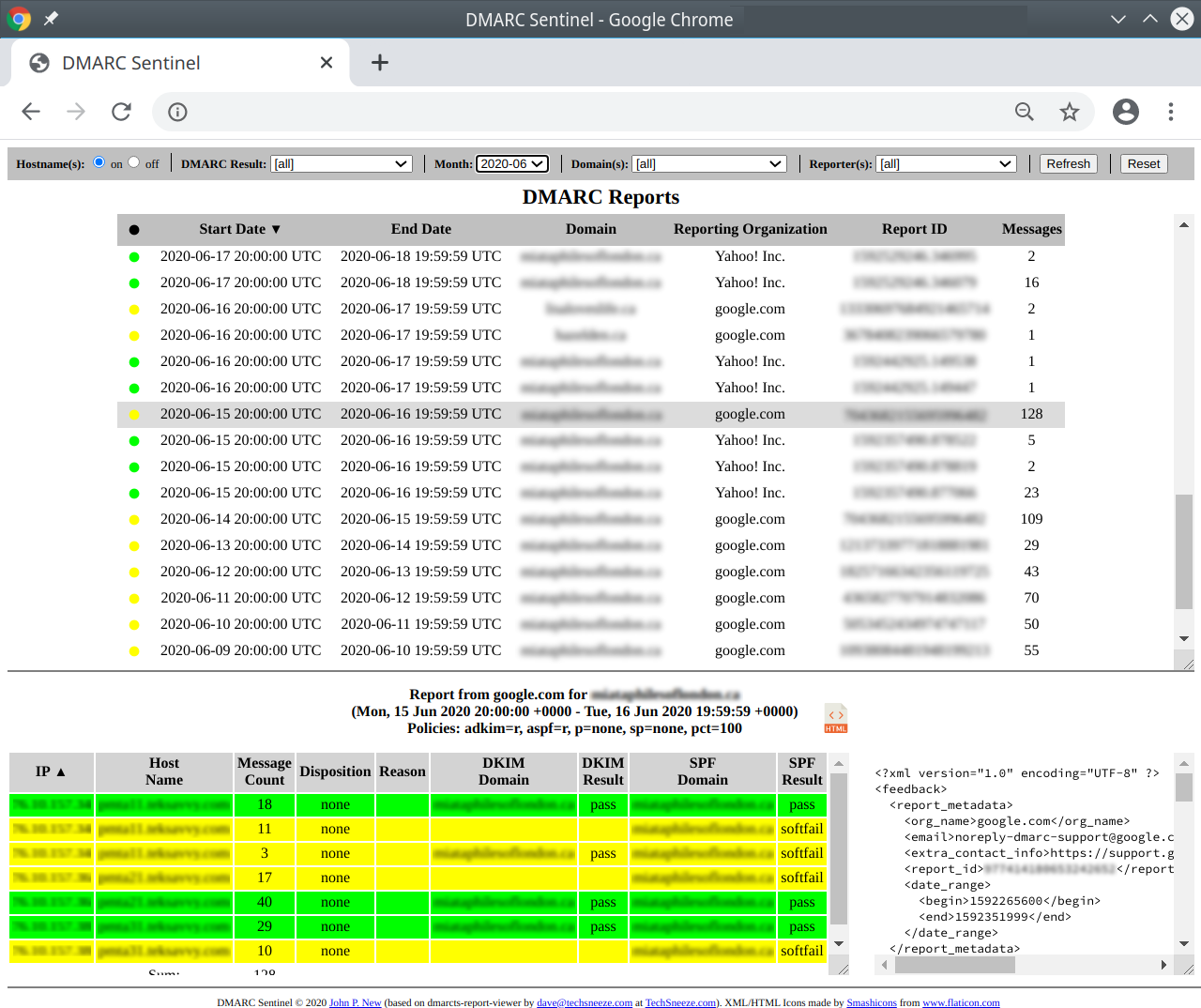
You’ll find that there is basic information about the time, domain, source and record ID at the top. Clicking on the report ID will take you to the section below corresponding to that report. I’ve also set the rows to be a different color depending on the success described.
NOTE:
I am NOT a developer, and have not done a security review on the PHP script. I am sure that there are potential risks with the way it is written. As such, I would recommend that this script not be exposed on the open web, but only via secure and controlled methods.
INSTALL:
NOTE: The viewer expects that you have already populated a database with data from John Levine’s rddmarc script or the dmarcts-report-parser.pl script.
Download the required files:
git clone https://github.com/techsneeze/dmarcts-report-viewer.git
Once the php files ave been downloaded, you will need to copy “dmarcts-report-viewer-config.php.sample” to “dmarcts-report-viewer-config.php”.
cp dmarcts-report-viewer-config.php.sample dmarcts-report-viewer-config.php
Next, edit these basic configuration options at the top of the “dmarcts-report-viewer-config.php” file with the appropriate information:
$dbhost="localhost";

$dbname="dmarc";

$dbuser="dmarc";

$dbpass="xxx";
Ensure that dmarcts-report-viewer-config.php, dmarcts-report-viewer.php, anf default.css are in the same folder.
Now navigate to the directory/page on your webserver and you should have a report similar to the one shown above.
You can also find additional DMARC resources at http://dmarc.org/resources.html
The reporting tool can also be found on GitHub :